


Introduction
When a worker is tired, late, or stressed, the phone often becomes the first helper. A translation app explains a message, a map shows the next bus stop, and an official app may hold an appointment or service update. These tools are useful, but only when the worker knows what each tool can and cannot do.
Good digital judgment means using apps for speed without letting them replace common sense or original documents.
Translation tools: helpful, but not perfect
Translation apps are excellent for quick understanding. They help when reading a text message from an employer, a notice from a clinic, or directions from a landlord. But automatic translation can miss tone, shorten details, or translate legal and medical language badly.
For low-risk daily messages, a translation tool is often enough. For contracts, visa matters, official forms, and health instructions, it is safer to compare the app result with the original text and, if needed, ask a trusted person to double-check the meaning.
Maps and travel tools
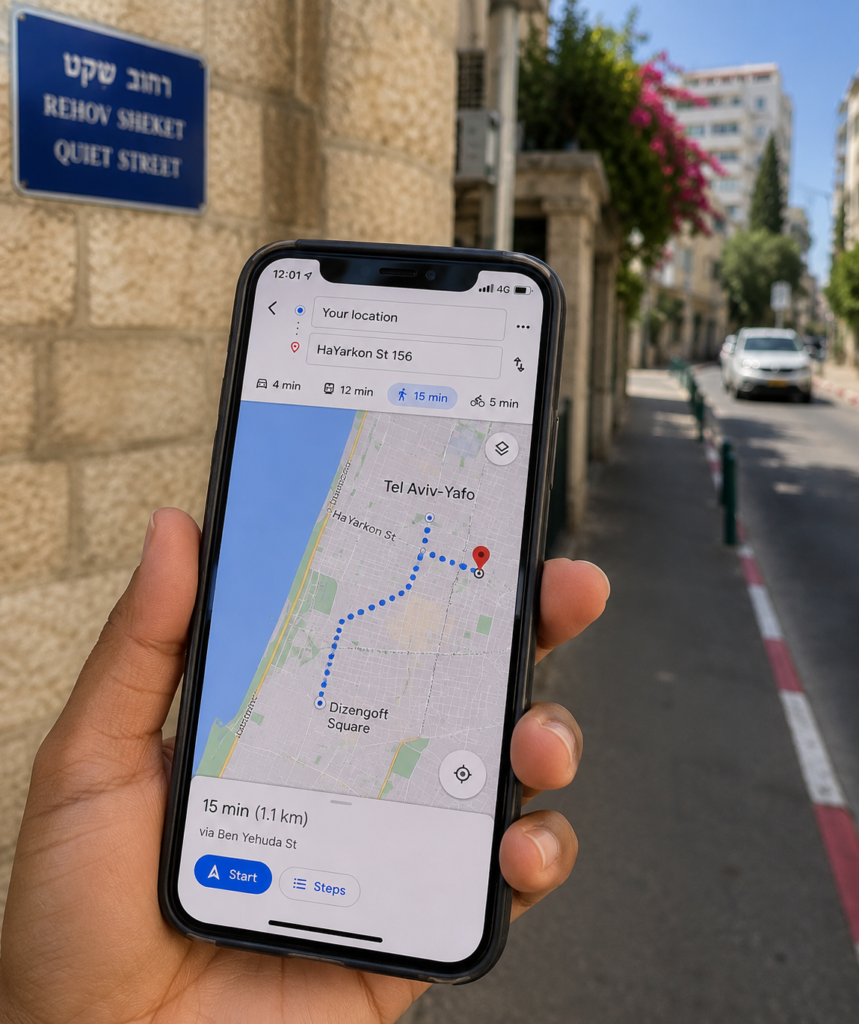
Maps reduce stress when workers travel to clinics, offices, court buildings, or unfamiliar neighborhoods. The practical habit is to check not only the destination but also the entrance, bus stop, walking route, and travel time during the real hour you plan to leave. “Twenty minutes away” on a map can still become a late arrival if the route includes a long walk or a missed transfer.
It also helps to save key places in advance: home, employer address, clinic, nearest hospital, central bus station, and immigration office.
How to recognize official apps and websites
Official tools usually come from an identifiable government body, bank, transport authority, or large service provider. Workers should prefer links from official websites instead of links forwarded in groups. It is safer to search the official body first and install from there than to trust a shortened link inside a message.
Appointment systems such as GoVisit or official ministry pages can be useful, but workers should still check the exact ministry, office, and service name before booking.
Smart app habits
- Turn on app updates for important tools, but review permissions before accepting everything.
- Do not upload passport pages, salary slips, or payment cards into apps that do not clearly need them.
- Take screenshots of bookings, payment confirmations, and official notices.
- Keep one backup way to access a service if the app stops working, such as the official website or customer-service number.
Conclusion
Useful apps should make life simpler, not more confusing. Translation tools help with speed. Maps help with movement. Official apps help with access. But the worker still needs one habit above all others: verify before acting.
A good rule is simple: use apps to guide you, but use original documents and official sources to confirm important decisions.